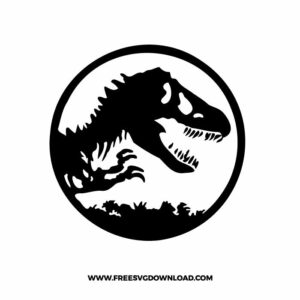
Home » Tv Shows - Movies » Jurassic Park Free SVG Files
Collection Technical Data |
|
|---|---|
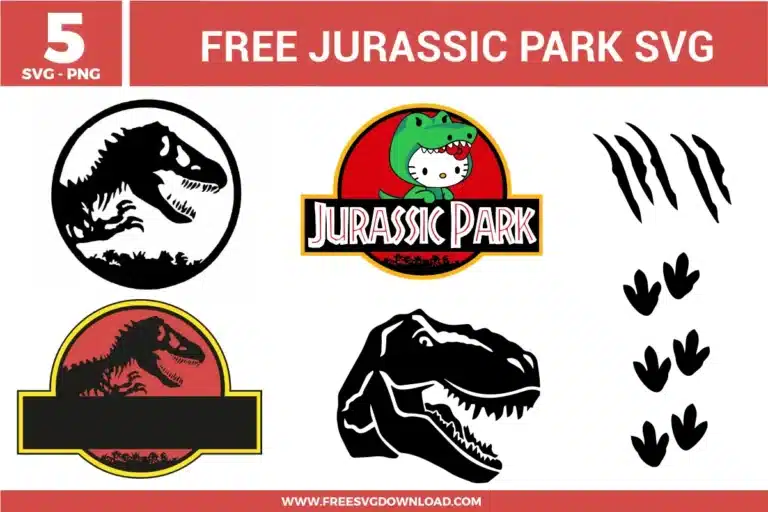
| Total Designs | 5 Items (See grid below) |
| Primary File Type | Scalable Vector Graphics (.svg) |
| Secondary Formats | High-Res PNG (300 DPI) |
| Compatibility Tested | Cricut Design Space, Silhouette Studio, Brother ScanNCut |
| Best For | Personalized Birthday Shirts, Jeep Spare Covers, Adventure Scrapbooking, Custom Party Banners. (Vinyl & HTV) |
| License Type | Personal Use Only |
| Cut Complexity | Beginner (Easy Weeding) |
These Jurassic Park SVG files are part of our TV Shows and Movies SVG category, where we organize all character-inspired designs from popular shows and movies in one place. This category includes a wide range of bold, adventure-themed, and movie-inspired SVG files created for apparel, party decor, and DIY crafts.
Open the SVG in your software and place your preferred font in the center black rectangle. Select both the frame and the text, then use the “Slice” tool in Cricut or “Subtract” in Silhouette. This cuts the name out of the frame, creating a professional-looking stencil effect for your project.
Start weeding from the largest area and move toward the smaller, more intricate rib bones. Keep your weeding tool at a 45-degree angle. If the tiny pieces lift, press them back down with your finger and use a “Reverse Weeding” technique by applying transfer tape before removing the negative space.
Since these are solid, heavy shapes, they are less likely to tear. For standard adhesive vinyl, a “Blade 2” or “Pressure 10-12” is usually sufficient. However, if using a textured material like “Carbon Fiber” vinyl for a vehicle decal, increase your pressure to ensure the blade cuts through the thicker grain.
Use the “Knockout” method. Instead of stacking the green dinosaur suit on top of the red circle, subtract the shape of the character from the red background. This allows each color to sit directly on the fabric, resulting in a much thinner, more comfortable feel on a T-shirt.
Canvas is a heavy material that requires firm pressure. Set your heat press to 320°F and press for 15-20 seconds. If the dinosaur footprints don’t adhere immediately due to the canvas texture, flip the bag over and press from the back for an additional 10 seconds to draw the adhesive deeper into the fibers.
These Jurassic Park SVG files are provided for personal use only, and resale or redistribution of the designs is not permitted. You are welcome to explore more free SVG designs across our website, including a wide range of themed and character-based collections.
If you experience any issues with downloading or using the files, feel free to reach out through our contact page and we will be happy to help. We also appreciate feedback from our community, so you’re welcome to leave a review below and share your experience.
For professionally curated bundles and extended design sets, you can also browse our premium SVG collections in our official store. Thank you for crafting with Free SVG Download, and enjoy creating your projects.