Home » Libbey Can Glass » Fruit Can Glass Free SVG Files
Collection Technical Data |
|
|---|---|
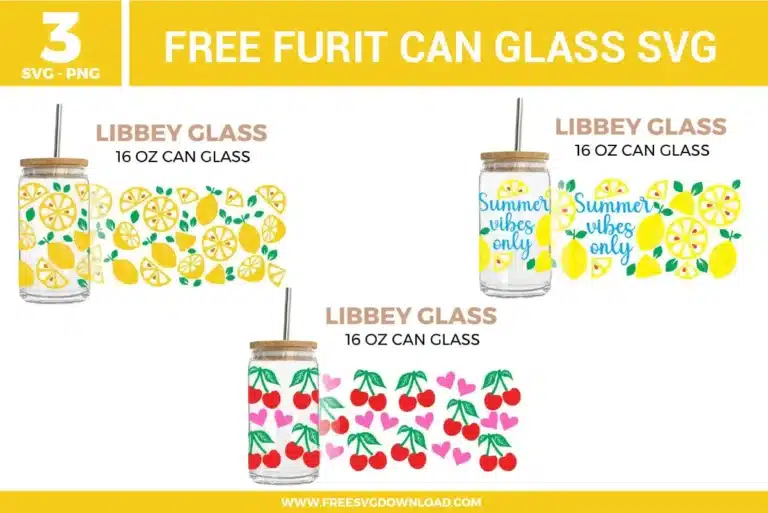
| Total Designs | 3 Items (See grid below) |
| Primary File Type | Scalable Vector Graphics (.svg) |
| Secondary Formats | High-Res PNG (300 DPI) |
| Compatibility Tested | Cricut Design Space, Silhouette Studio, Brother ScanNCut |
| Best For | Libbey Can Glass. (Vinyl & HTV) |
| License Type | Personal Use Only |
| Cut Complexity | Intermediate (Multi-Layer) |
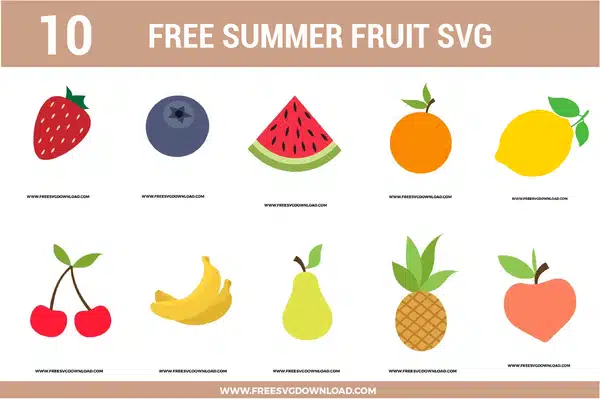
These Fruit Can Glass SVG files are part of our Libbey Can Glass SVG category, where we organize can glass wrap and drinkware designs in one place. This category includes a wide range of fruit-themed, colorful, and decorative SVG files created for glass cup wraps, stickers, and DIY craft projects.
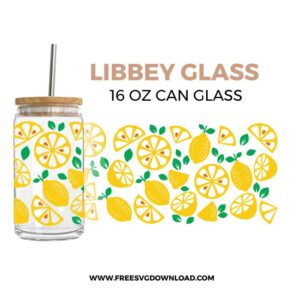
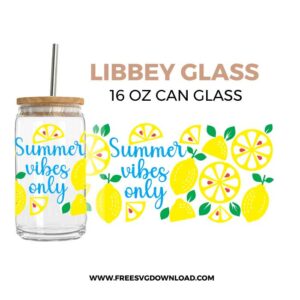
Use the Attach tool to lock the positions of the lemon elements relative to one another before cutting. Attaching ensures the cutting software preserves the precise layout configuration on your physical mat. Weld should only be used if paths overlap and you want to permanently fuse them into a single continuous shape, which would destroy the separate multi-colored layer structure.
Import the vector file into your canvas, scale it to match the exact dimensions of your 16 oz Libbey glass, and select all layers. Click the Flatten tool in your software to convert the multi-layered vector file into a single-layer raster image optimized for Print Then Cut or direct printing with sublimation inks.
You must use a premium permanent outdoor solvent-based vinyl, such as Oracal 651. Removable vinyl options like Oracal 631 feature a water-soluble adhesive that will quickly break down, bubble, and peel off when exposed to water or condensation from iced beverages.
Ripping usually happens when the blade is dull or the cutting speed is too high. Change to a sharp, premium fine-point blade, reduce your machine’s cut speed to 2 or 3, and select the “Vinyl+” setting with default pressure to ensure clean, precise tracking around tight font curves.
Select the script text layer and apply an Offset of approximately 0.06 inches. Take this newly created offset layer, position it directly over the underlying lemon design paths, select both layers, and apply the Slice or Subtract tool. Delete the sliced-out pieces to leave a clean knockout border where your blue text can sit flush on the glass.
These Fruit Can Glass SVG files are provided for personal use only, and resale or redistribution of the designs is not permitted. You are welcome to explore more free SVG designs across our website, including a wide range of themed and character-based collections.
If you experience any issues with downloading or using the files, feel free to reach out through our contact page and we will be happy to help. We also appreciate feedback from our community, so you’re welcome to leave a review below and share your experience.
For professionally curated bundles and extended design sets, you can also browse our premium SVG collections in our official store. Thank you for crafting with Free SVG Download, and enjoy creating your projects.