Home » 4th of July » Fourth Of July Free SVG Files
Collection Technical Data |
|
|---|---|
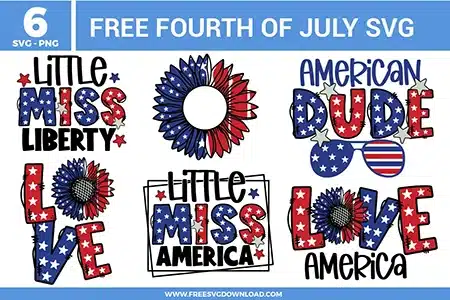
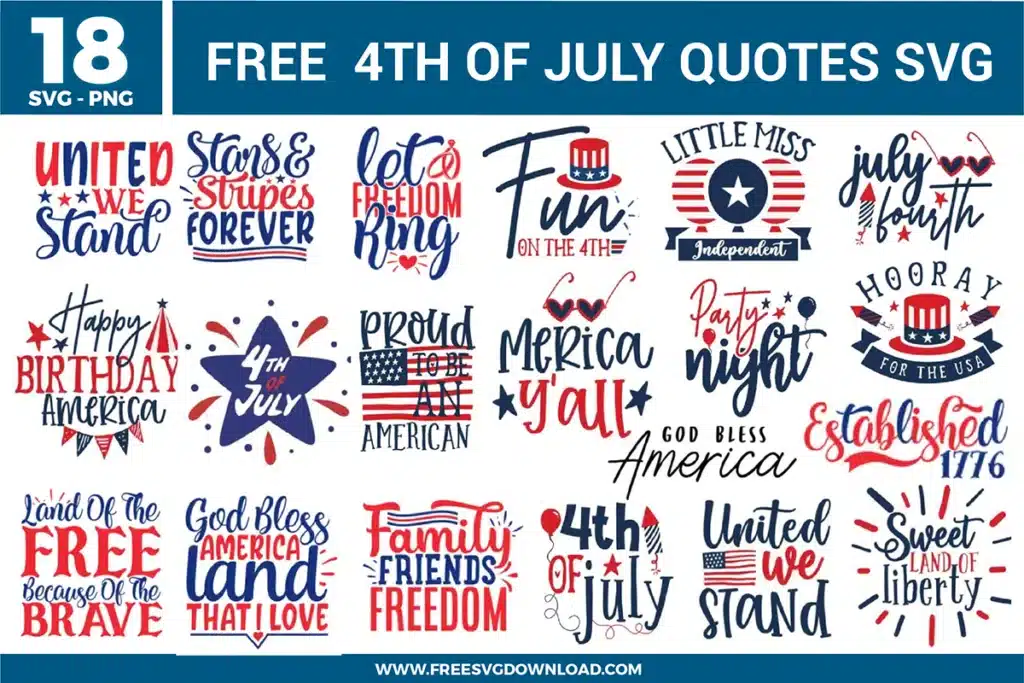
| Total Designs | 6 Items (See grid below) |
| Primary File Type | Scalable Vector Graphics (.svg) |
| Secondary Formats | High-Res PNG (300 DPI) |
| Compatibility Tested | Cricut Design Space, Silhouette Studio, Brother ScanNCut |
| Best For | Family Shirts, Canvas Art, Holiday Tags, Custom Totes. (Vinyl & HTV) |
| License Type | Personal Use Only |
| Cut Complexity | Advanced (Intricate Details) |
These Fourth of July SVG files are part of our 4th of July SVG category, where we organize all Independence Day designs in one place. This category includes a wide range of Spirited, Heartland, and Vibrant SVG files created for Custom Apparel, Home Decor, and Gift Tags.
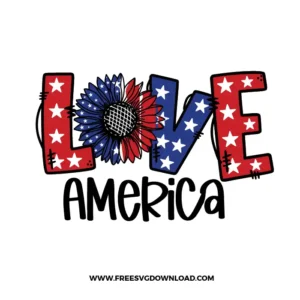
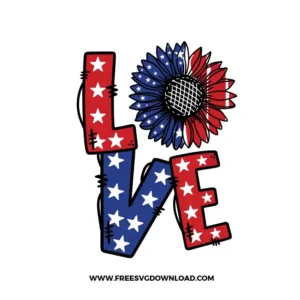
The hand-drawn stitched effect can create hundreds of extra nodes. To prevent your machine from slowing down, use the “Simplify” tool to reduce node density. If specific “stitch” lines are too small to cut, use the Node Editor to manually delete those tiny paths, ensuring a cleaner cut without losing the rustic aesthetic.
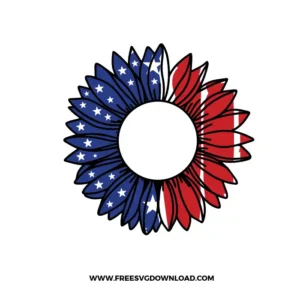
The sunflower petals have sharp, narrow points. Use a “Premium Fine-Point Blade” and set your machine to “Vinyl” with the “More” pressure toggle. If the blade drags at the tips, try a “Double Cut” or “Cardstock (Intricate Cut)” setting to ensure the blade lifts properly between each petal path.
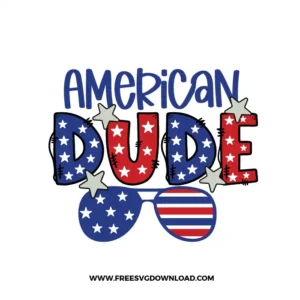
You should use “Attach” if you want the stars to cut out of the letters so the shirt color shows through. If the stars are a separate color (like white stars on blue letters), do not weld them; instead, layer them after cutting. Attaching ensures the stars stay perfectly centered within the letters during the cutting process.
Canvas is a highly textured, porous material. To ensure the patriotic sunflowers adhere properly, use a high-pressure setting on your heat press at 315°F for 15 seconds. The high pressure forces the adhesive into the weave of the canvas, preventing the edges of the stars and petals from lifting over time.
Select the entire boxed design and apply an “External Offset” of 0.125 inches. This creates a solid “bubble” around the text and the stars. Change the offset layer to white and use the “Flatten” tool to create a Print-then-Cut sticker, which is much easier to peel than cutting each individual letter.
These Fourth of July SVG files are provided for personal use only, and resale or redistribution of the designs is not permitted. You are welcome to explore more free SVG designs across our website, including a wide range of themed and character-based collections.
If you experience any issues with downloading or using the files, feel free to reach out through our contact page and we will be happy to help. We also appreciate feedback from our community, so you’re welcome to leave a review below and share your experience.
For professionally curated bundles and extended design sets, you can also browse our premium SVG collections in our official store. Thank you for crafting with Free SVG Download, and enjoy creating your projects.