Collection Technical Data |
|
|---|---|
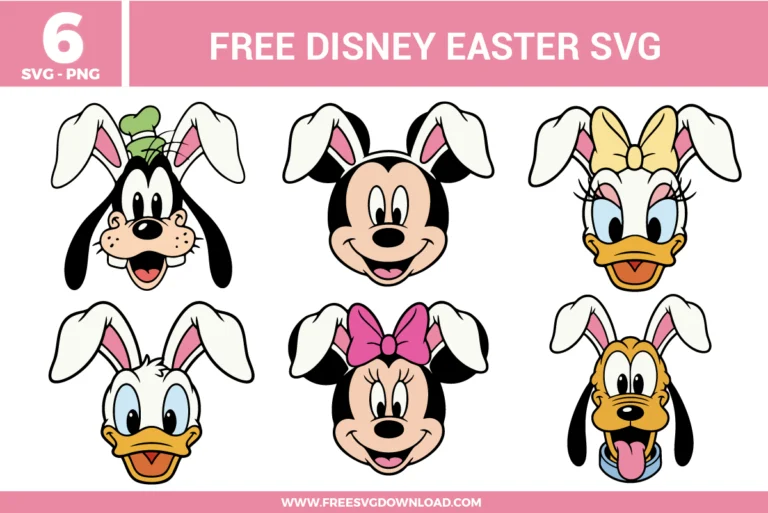
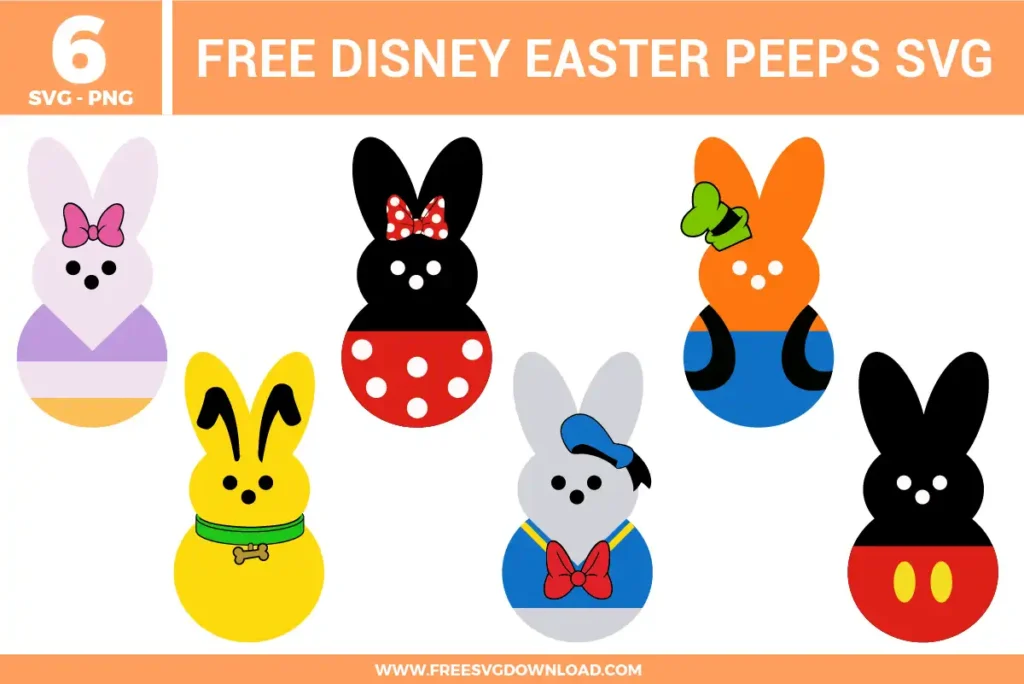
| Total Designs | 6 Items (See grid below) |
| Primary File Type | Scalable Vector Graphics (.svg) |
| Secondary Formats | High-Res PNG (300 DPI) |
| Compatibility Tested | Cricut Design Space, Silhouette Studio, Brother ScanNCut |
| Best For | Basket tags, Treat toppers, Egg labels, Stickers. (Vinyl & HTV) |
| License Type | Personal Use Only |
| Cut Complexity | Intermediate (Multi-Layer) |
These Disney Easter SVG files are part of our Easter SVG category, where we organize all Easter designs in one place. This category includes a wide range of playful, spring-themed, and character-inspired SVG files created for party decor, printable crafts, and apparel projects. Also related: Disney SVG category.
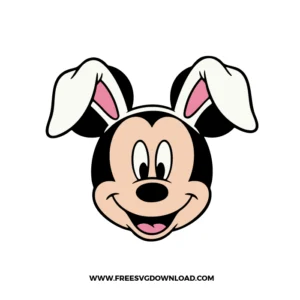
Mickey Disney Easter SVG: Mickey’s classic smiling face with bunny ears, keeping the look simple and instantly recognizable for Easter projects.
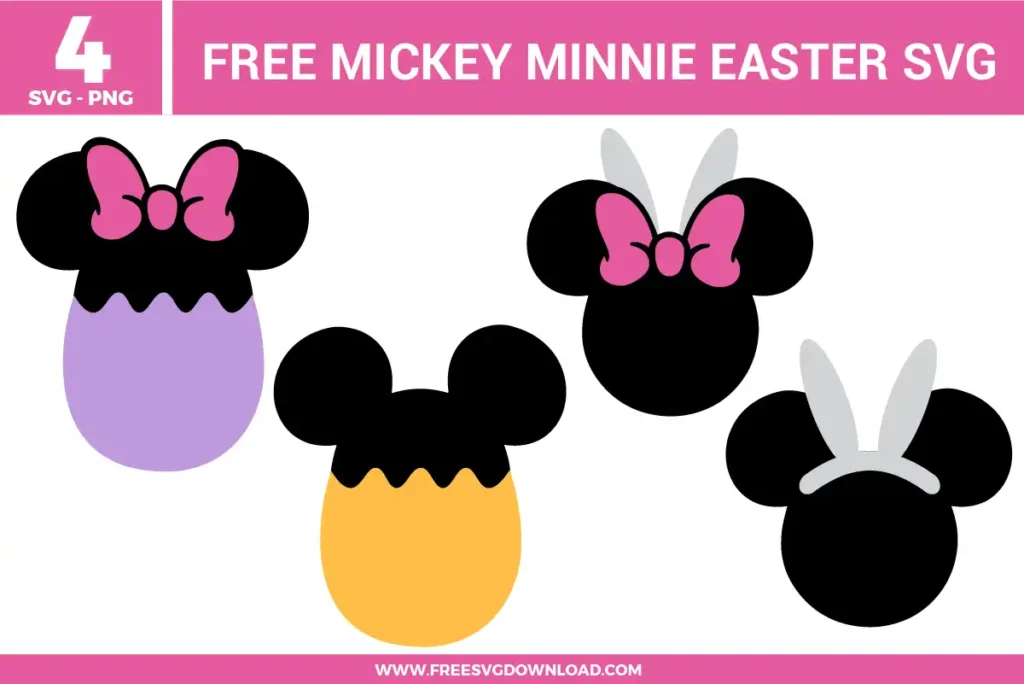
Minnie Disney Easter SVG: Minnie with bunny ears and a pink bow, giving the design a bright, playful accent that stands out nicely on shirts and tags.
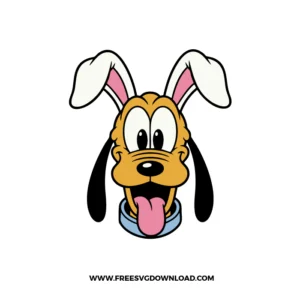
Pluto Disney Easter SVG: Pluto’s happy face with bunny ears and his tongue out, adding a fun, energetic option for kid-friendly crafts.
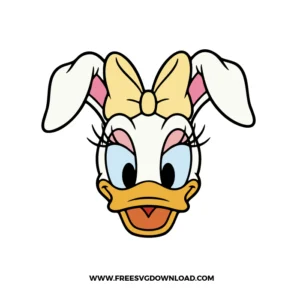
Daisy Disney Easter SVG: Daisy wearing bunny ears with a large bow detail, designed with clear shapes that stay easy to cut and layer.
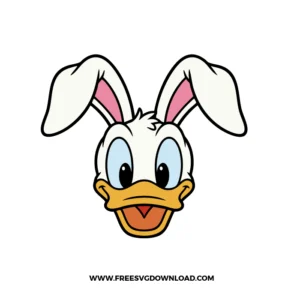
Donald Disney Easter SVG: Donald with bunny ears and clean face details, a strong choice for both vinyl projects and print-style crafts.
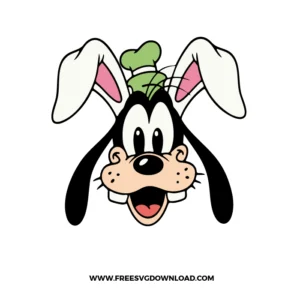
Goofy Disney Easter SVG: Goofy with bunny ears and a small hat accent, bringing a slightly goofy, lighthearted look to the set.
Mickey is often the easiest starting point because the silhouette is clean and the face details are simple. The bunny ears also have smooth curves without tricky corners, so the cut tends to come out clean even on basic vinyl. If you want an even faster result, cut the design as a single-color silhouette first, then try layered colors on your next project.
First, increase the design size slightly, since a small change often fixes most weeding problems. If you need the design to stay small, hide the smallest interior cuts in your software and rely on the outer silhouette to carry the look. Running a quick test cut on scrap vinyl is the fastest way to see which tiny pieces need simplifying.
Yes, and they work especially well for that because the head-and-ears shapes read quickly. For treat bags, a single character decal on the front looks finished without extra text. For candy labels, keep the design simple and use one character per label so the details stay clear and the label does not feel busy.
A thin offset backing layer is usually the easiest solution, especially in white or another high-contrast color. This creates a clean border that separates the character from the background pattern. You can also choose a darker silhouette cut for very bright surfaces, which helps the bunny ears and character shape stay readable from a distance.
Use spacing and repetition in a controlled way, such as arranging the characters in a neat row at the same height with equal gaps. Keeping the same vinyl finish and color plan across the row makes the layout feel intentional. If the project is small, use fewer characters and save the full set for larger surfaces like banners or shirt backs.
These Disney Easter SVG files are provided for personal use only, and resale or redistribution of the designs is not permitted. You are welcome to explore more free SVG designs across our website, including a wide range of themed and character-based collections.
If you experience any issues with downloading or using the files, feel free to reach out through our contact page and we will be happy to help. We also appreciate feedback from our community, so you’re welcome to leave a review below and share your experience.
For professionally curated bundles and extended design sets, you can also browse our premium SVG collections in our official store. Thank you for crafting with Free SVG Download, and enjoy creating your projects.