Home » Starbucks Wrap » Diamond Starbucks Free SVG Files
Collection Technical Data |
|
|---|---|
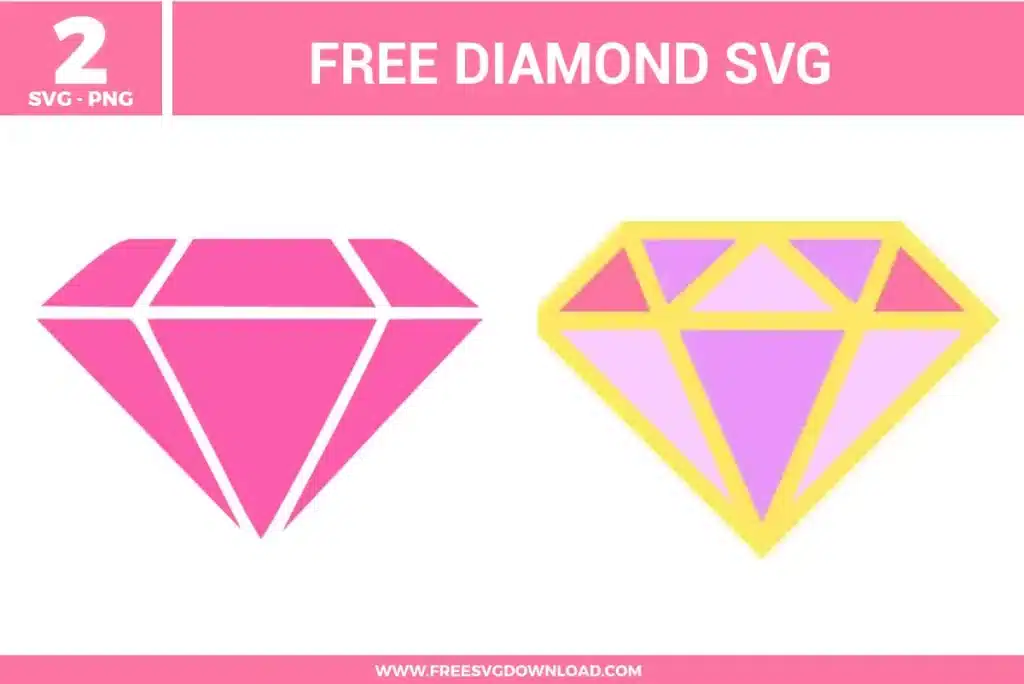
| Total Designs | 2 Items (See grid below) |
| Primary File Type | Scalable Vector Graphics (.svg) |
| Secondary Formats | High-Res PNG (300 DPI) |
| Compatibility Tested | Cricut Design Space, Silhouette Studio, Brother ScanNCut |
| Best For | 24 oz Starbucks Cold Cup Wrap. (Vinyl & HTV) |
| License Type | Personal Use Only |
| Cut Complexity | Intermediate (Multi-Layer) |
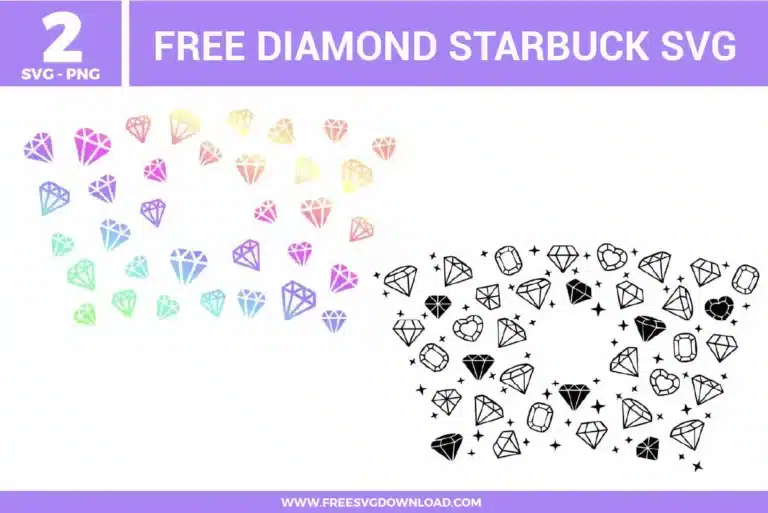
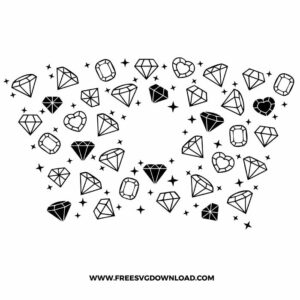
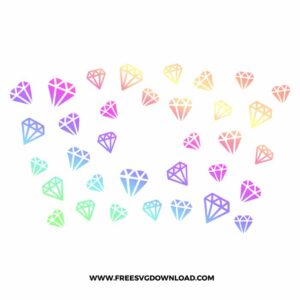
These Diamond Starbucks SVG files are part of our Starbucks Wrap SVG category, where we organize cup wrap and drinkware-style designs in one place. This category includes a wide range of decorative, pattern-based, and themed SVG files created for cup wraps, stickers, and DIY craft projects.
Place your thick typography layer directly over the gem pattern. Select the text tool layer and create a slight outer offset boundary. Next, use your software’s Subtract or Slice tool to cut that offset shape entirely out of the underlying diamond pattern layer. This creates a clean, visual cushion zone around your words, ensuring the text remains legible without geometric lines bleeding through.
Holographic and metallic foil films are significantly thicker and stiffer than standard adhesive vinyl. For clean facets on your diamonds, set your Cricut Smart Dial or Material setting to Holographic Vinyl, which automatically adjusts the pressure. If working in Silhouette Studio, configure your blade depth manually to 3, set your Force to 18-22, and lower your Speed to 2 or 3 to prevent lifting delicate star corners.
No, the Attach tool simply locks your elements’ spatial arrangements relative to one another for cutting from a single material sheet. To replicate a continuous multi-color gradient shift with physical materials, cut the entire attached file out of a single sheet of specialty rainbow gradient vinyl or holographic opal adhesive film.
Avoid standard low-tack transfer tape, as it struggles to grab small geometric line components. Opt for a high-quality medium-to-high-tack transfer tape. After weeding out the negative spaces around your gems, apply the tape firmly and burnish both the front and back of the liner sheet using a hard plastic scraper tool. Peel the backing away slowly, forcing the tiny stars to adhere to the transfer film.
These Diamond Starbucks Wrap SVG files are provided for personal use only, and resale or redistribution of the designs is not permitted. You are welcome to explore more free SVG designs across our website, including a wide range of themed and character-based collections.
If you experience any issues with downloading or using the files, feel free to reach out through our contact page and we will be happy to help. We also appreciate feedback from our community, so you’re welcome to leave a review below and share your experience.
For professionally curated bundles and extended design sets, you can also browse our premium SVG collections in our official store. Thank you for crafting with Free SVG Download, and enjoy creating your projects.