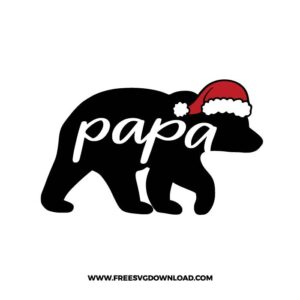
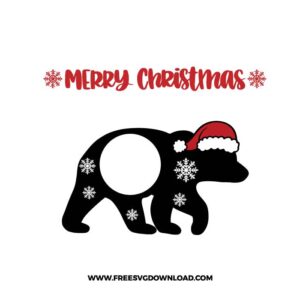
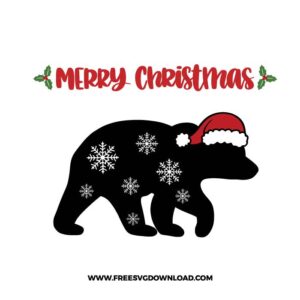
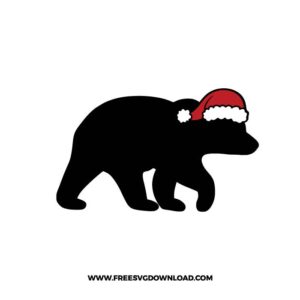
Collection Technical Data |
|
|---|---|
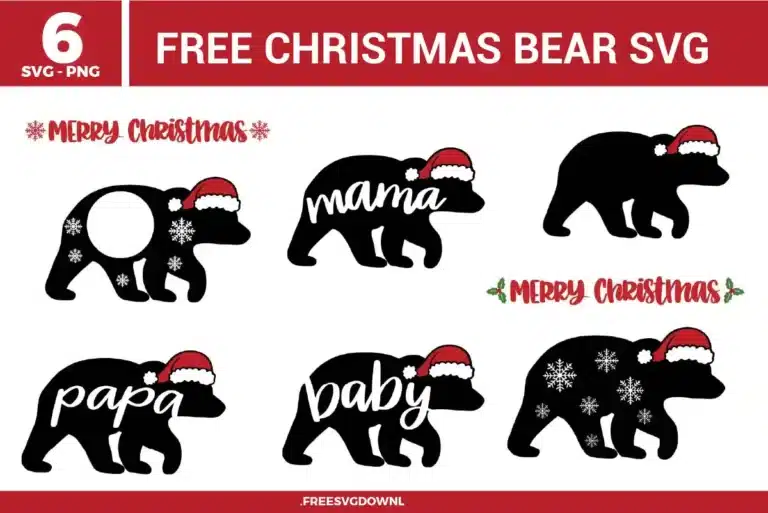
| Total Designs | 6 Items (See grid below) |
| Primary File Type | Scalable Vector Graphics (.svg) |
| Secondary Formats | High-Res PNG (300 DPI) |
| Compatibility Tested | Cricut Design Space, Silhouette Studio, Brother ScanNCut |
| Best For | Matching Pajamas, Holiday Pillows, Family Shirts, Wooden Plaques. (Vinyl & HTV) |
| License Type | Personal Use Only |
| Cut Complexity | Beginner (Easy Weeding) |
These Christmas Bear SVG files are part of our Christmas SVG category, where we organize holiday-themed designs in one place. This category includes a wide range of festive, winter, and Christmas SVG files created for apparel, stickers, and DIY craft projects.
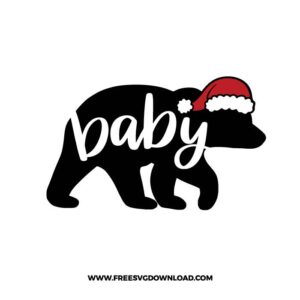
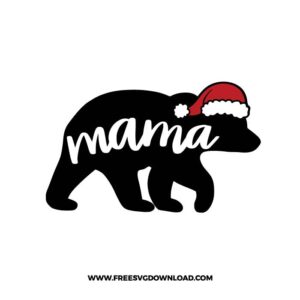
When working with script elements layered inside a shape, check that the paths are fully merged before cutting to prevent the machine from slicing into the bear’s torso. Select both the bear silhouette and the white text track in your vector software workspace, then execute the Weld or Unite command. This blends the boundary nodes into a unified vector path matrix with a single continuous cutting outline.
Intricate geometric elements like the snowflakes on the monogram bear are prone to lifting from the liner paper. To maintain structural accuracy, use Reverse Weeding. Apply your medium-tack transfer tape directly over the unweeded cut material, burnish it aggressively using a scraper tool, flip the sheet to peel away the thick paper backing at a 180-degree angle, and then pull away the excess vinyl matrix directly off the sticky tape.
Jagged lines on large curves usually indicate that the vector path contains an excessive density of redundant anchor nodes. Select the bear vector path in your editing application and apply the Path Simplification tool to reduce the total node count. This flattens the curve coordinates, allowing the swivel blade housing to glide continuously without stuttering, dragging, or tearing your craft material.
Open the vector bundle on your digital canvas, type your text using a bold font layout, and scale it to fit inside the blank monogram circle. Select both your text layer and the bear graphic layer, use the Align tool to center them perfectly on both axes, and then click Attach (or Combine) to lock their relative layout coordinates together so they cut in position on your physical mat.
Flock heat transfer vinyl features a raised, textured velvet layer that is significantly thicker than regular smooth iron-on vinyl. Increase your cutting machine’s downward force or pressure profile by 10 to 15 units, drop your tracking speed down to a lower velocity setting, and utilize a sharp 60-degree deep-cut blade rather than a standard 45-degree fine-point blade. Always run a 0.25-inch test triangle cut to confirm a clean kiss-cut.
These Christmas Bear SVG files are provided for personal use only, and resale or redistribution of the designs is not permitted. You are welcome to explore more free SVG designs across our website, including a wide range of themed and character-based collections.
If you experience any issues with downloading or using the files, feel free to reach out through our contact page and we will be happy to help. We also appreciate feedback from our community, so you’re welcome to leave a review below and share your experience.
For professionally curated bundles and extended design sets, you can also browse our premium SVG collections in our official store. Thank you for crafting with Free SVG Download, and enjoy creating your projects.