Home » Starbucks Wrap » Bad Bunny Starbucks Free SVG Files
Collection Technical Data |
|
|---|---|
| Total Designs | 2 Items (See grid below) |
| Primary File Type | Scalable Vector Graphics (.svg) |
| Secondary Formats | High-Res PNG (300 DPI) |
| Compatibility Tested | Cricut Design Space, Silhouette Studio, Brother ScanNCut |
| Best For | 24 oz Starbucks Cold Cup Wrap. (Vinyl & HTV) |
| License Type | Personal Use Only |
| Cut Complexity | Intermediate (Multi-Layer) |
These Bad Bunny Starbucks SVG files are part of our Starbucks Wrap SVG category, where we organize cup wrap and drinkware-style designs in one place. This category includes a wide range of artist-inspired, colorful, and themed SVG files created for cup wraps, stickers, and DIY craft projects.
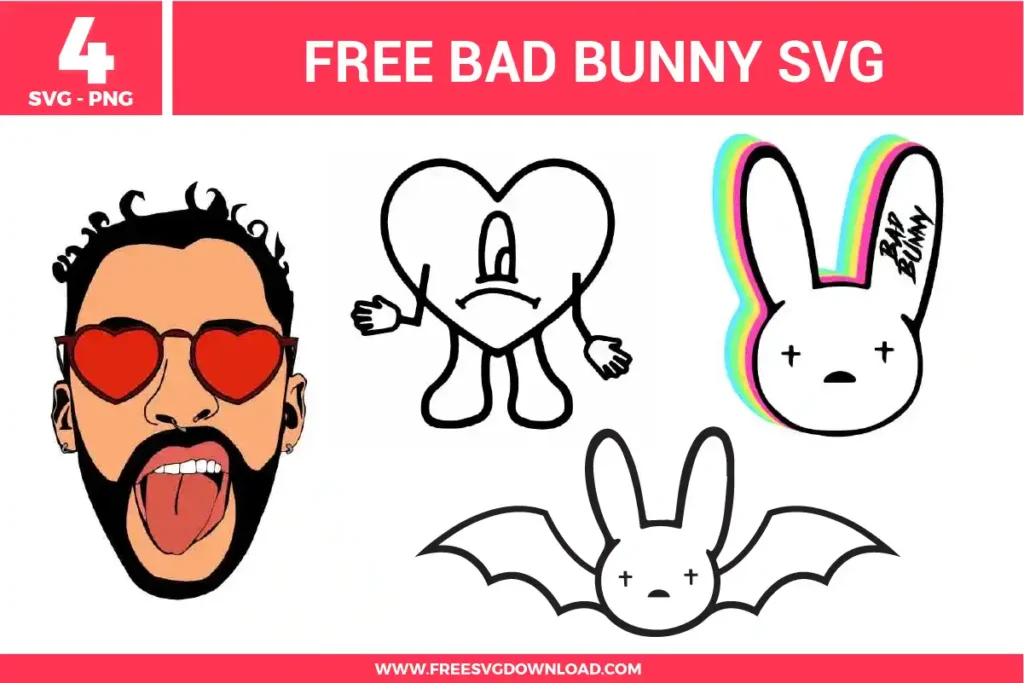
Open the design in your node editor panel before uploading. Select the detailed portrait paths and use the Simplify command to remove redundant anchor points along the facial features and hair contours. If lines overlap, use the Unite or Merge tool to fuse them into a clean, continuous vector outline, preventing your blade from making double cuts that tear the material.
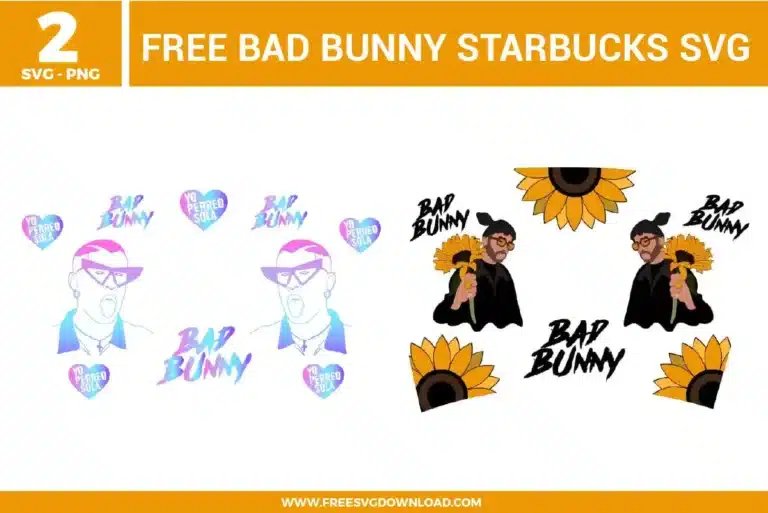
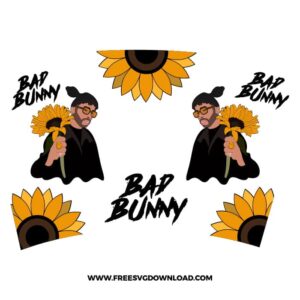
When working with multiple solid vinyl layers (such as black outlines, yellow sunflower petals, and green stems), cut each color using the standard Premium Vinyl setting with standard pressure. For the base layer that acts as the silhouette layout on the cup, ensure your material has strong tack, like Oracal 651, to support the subsequent colored layers applied on top.
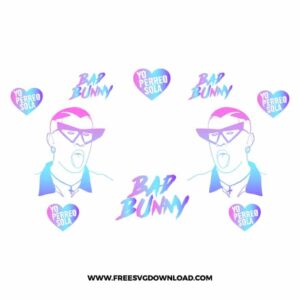
To replicate this exact gradient look on a physical cup, utilize Print Then Cut printable vinyl on an inkjet printer, or output the design onto sublimation paper using a dedicated sublimation printer. If you prefer using traditional plotting materials, cut the entire unified vector path out of a single sheet of specialty premium opal or holographic rainbow gradient adhesive vinyl film.
Use a medium-tack clear transfer tape to move the lettering. After weeding the negative spaces around the bold text, lay the clear tape over the graphic and burnish thoroughly with a scraping tool from the center outward. When peeling the backing paper away, pull it flat and parallel to the work surface rather than lifting upward, which keeps the sharp corners of the typography from stretching out of shape.
No, Infusible Ink sheets are a form of pre-inked sublimation transfer material that requires a consistent heat profile of around 385°F to 400°F combined with high pressure. Applying that level of intense thermal energy to a standard 24 oz plastic Starbucks cold cup will instantaneously melt, warp, and ruin the structural shape of the cup blank. Stick to high-quality outdoor adhesive vinyl for plastic cups.
These Bad Bunny Starbucks Wrap SVG files are provided for personal use only, and resale or redistribution of the designs is not permitted. You are welcome to explore more free SVG designs across our website, including a wide range of themed and character-based collections.
If you experience any issues with downloading or using the files, feel free to reach out through our contact page and we will be happy to help. We also appreciate feedback from our community, so you’re welcome to leave a review below and share your experience.
For professionally curated bundles and extended design sets, you can also browse our premium SVG collections in our official store. Thank you for crafting with Free SVG Download, and enjoy creating your projects.