Home » Baby - Kids - Nursery » Baby Feet Free SVG Files
Collection Technical Data |
|
|---|---|
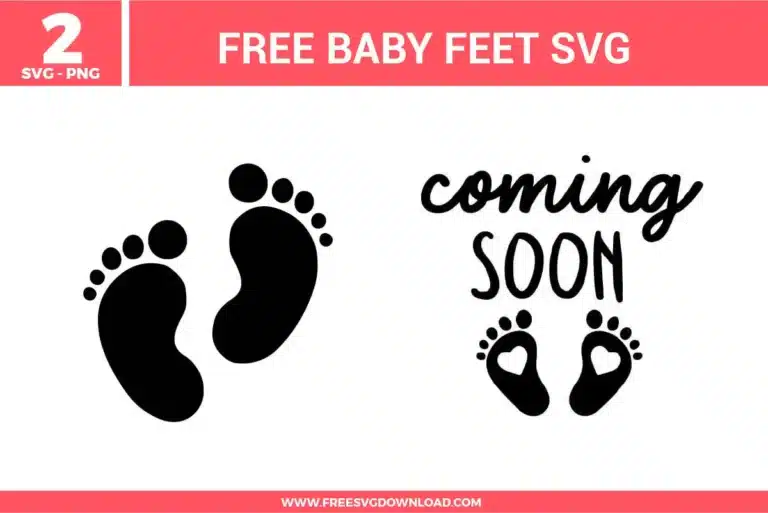
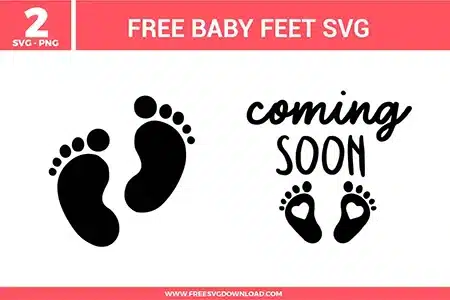
| Total Designs | 2 Items (See grid below) |
| Primary File Type | Scalable Vector Graphics (.svg) |
| Secondary Formats | High-Res PNG (300 DPI) |
| Compatibility Tested | Cricut Design Space, Silhouette Studio, Brother ScanNCut |
| Best For | Pregnancy Reveals, Baby Shower, Nursery Decor, Milestone Cards. (Vinyl & HTV) |
| License Type | Personal Use Only |
| Cut Complexity | Beginner (Easy Weeding) |
These Baby Feet SVG files are part of our Baby Kids Nursery SVG category, where we organize baby and nursery-themed designs in one place. This category includes a wide range of newborn, pregnancy, and baby announcement SVG files created for apparel, stickers, and DIY craft projects.
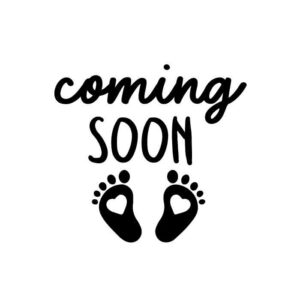
Cursive fonts naturally feature overlapping vector tails on individual characters. When preparing the typography on your canvas, select the script line and click the Weld or Unite button. This permanently fuses the intersecting cut lines into a single solid outline, preventing your machine’s fine-point blade from cutting through the connected letter joints.
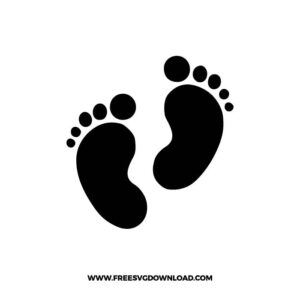
Solid designs like these baby feet require clean edge tracking to weed effortlessly. For standard smooth HTV on a Cricut machine, use the Iron-On setting with standard pressure. If you are operating a Silhouette Cameo plotter, configure your Autoblade depth to 2, set your cutting Force profile between 6 and 10, and keep the Speed at a baseline of 5.
Because heat transfer vinyl (HTV) is processed face-down with its heat-activated adhesive backing exposed, you must mirror your project. In your software’s mat preview screen, toggle the Mirror switch to green (or right-click the canvas in Silhouette Studio and select Flip Horizontally) to ensure the text reads correctly after pressing.
Yes, these vector outlines can be downscaled easily with the lock aspect ratio checked. However, when shrinking the design on the right, keep an eye on the tiny negative-space hearts inside the heels. If they scale down smaller than 0.1 inches, they can easily lift during weeding or blur together; consider using the Contour tool to hide them for ultra-small scales.
For tiny internal cavities, work from the inside out. Use a sharp weeding pick or fine-tip tweezers to poke the center of the negative-space hearts first, pulling them away while keeping downward pressure on the main footprint boundary. Once the small interior details are cleared, peel the large outer vinyl sheet away from the clear carrier liner.
These Baby Feet SVG files are provided for personal use only, and resale or redistribution of the designs is not permitted. You are welcome to explore more free SVG designs across our website, including a wide range of themed and character-based collections.
If you experience any issues with downloading or using the files, feel free to reach out through our contact page and we will be happy to help. We also appreciate feedback from our community, so you’re welcome to leave a review below and share your experience.
For professionally curated bundles and extended design sets, you can also browse our premium SVG collections in our official store. Thank you for crafting with Free SVG Download, and enjoy creating your projects.